Manage
The Manage section provides visibility into your Osprey configuration: the rules and features that power your detection, the functions available to query and rule authors, and tools to understand how everything connects.
Rules Visualizer
The Rules Visualizer shows how rules and labels relate to one another in a dependency graph. It’s useful for understanding what will fire when a particular label is applied, or what conditions must be true for a label to be produced.
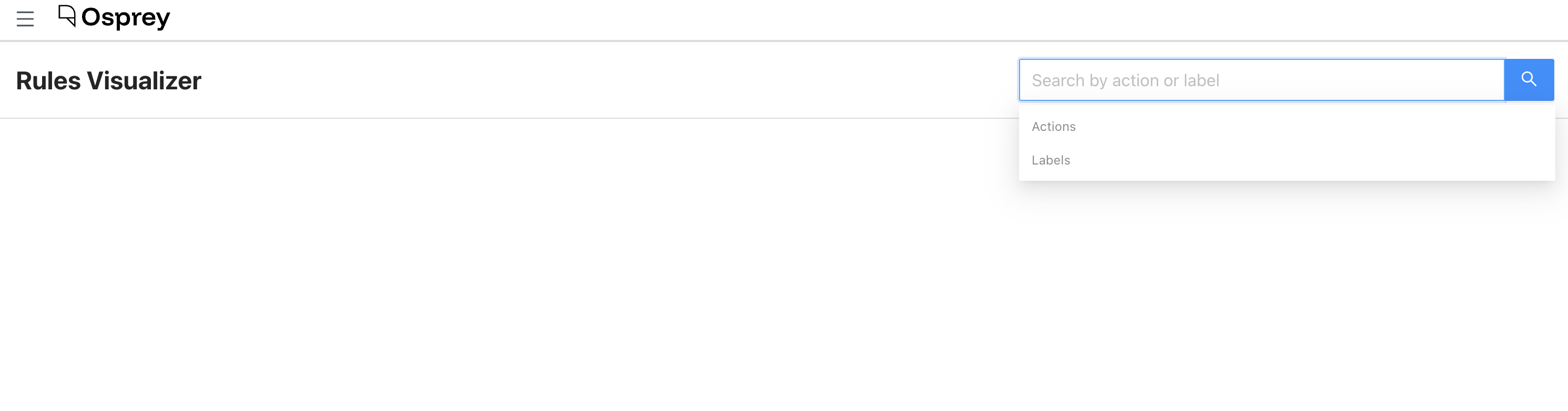
To use it, search for an action or label in the search box. A graph appears showing the upstream and downstream relationships for your selection. You can toggle upstream and downstream visibility independently.
Node types in the graph:
- Red ellipse: a label that is upstream of a rule (an input condition)
- Blue rectangle: a rule
- Green ellipse: a label that is downstream of a rule (an output)
Hovering over a node shows its source file path. The graph supports zoom and pan to navigate large dependency trees.
UDF Registry
The UDF Registry is an auto-generated API reference for every user-defined function (UDF) available in Osprey. It updates dynamically as UDFs are added or modified in code, so it always reflects what’s actually available.
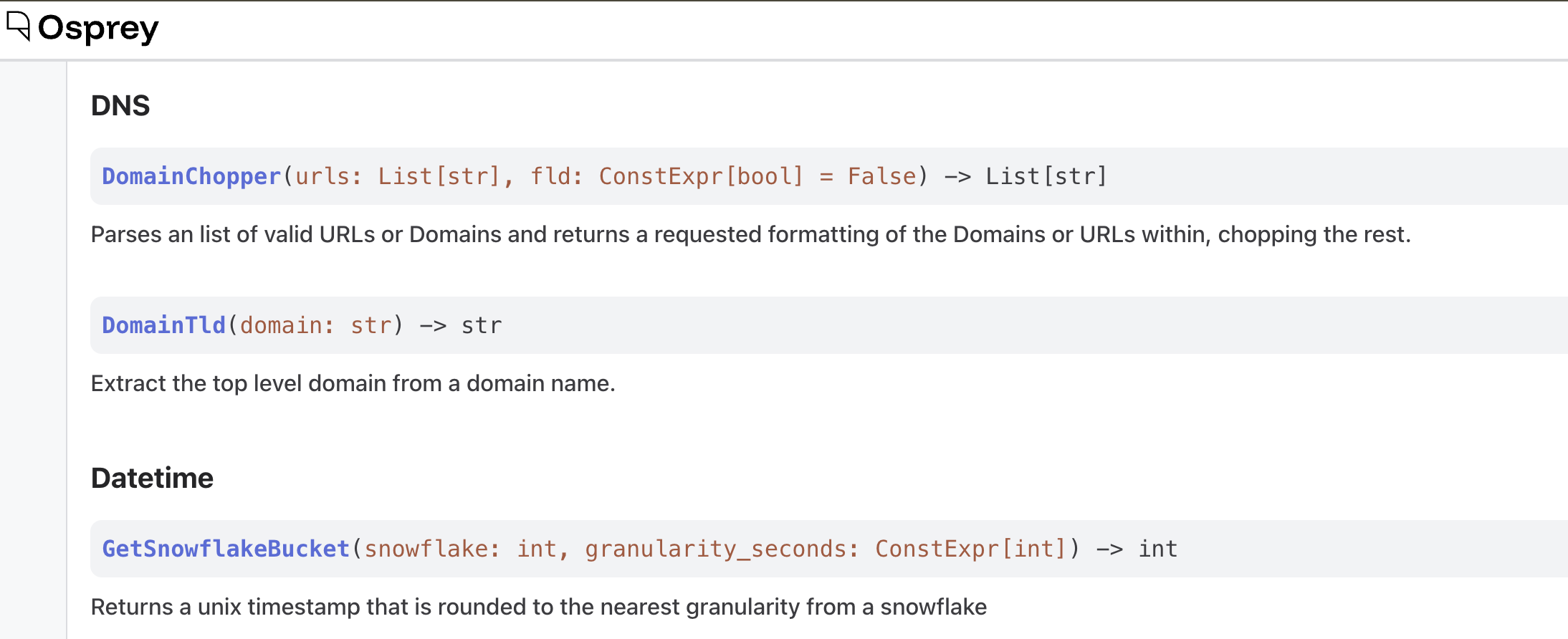
UDFs are organized by category and are searchable. Each entry shows:
- Function signature with syntax highlighting
- Description of what the function does
- Parameter names, types, and descriptions
- Return type
Use this page as your reference when writing rules, to confirm a function’s exact name and parameter order. Note that most UDFs are for rules only: the query box supports just four functions (RegexMatch, DidAddLabel, DidRemoveLabel, DidDeclareVerdict), so using any other UDF in a query currently fails with a silent 500 error.
Features Registry
The Features Registry lists every feature defined in your Osprey deployment. Features are named variables extracted from events; they’re what you query against and what rules operate on.
The list is paginated (50 per page) and can be filtered and sorted:
- Search: filter by name, category, or description
- Category filter: narrow to a specific feature category
- Extraction function filter: narrow to features using a specific extraction function
- Unused only: show only features not referenced by any rule
- Sort: by name, most referenced, or least referenced
Each row shows the feature’s name, category, extraction function(s), reference count (how many rules use it), description, owner, and last modified date.
Rules Registry
The Rules Registry lists every rule loaded in your Osprey deployment.
The list is paginated (50 per page) and can be filtered and sorted:
- Search: filter by name, source file, or description
- Unused only: hide rules that are referenced by other (when-)rules, showing only “leaf” rules
- Sort: by name, most referenced, or least referenced
Each row shows the rule’s name, source file, description, reference count, and line number within the source file.