Organization Settings
Admins configure organization-wide behavior under Settings. Most of these settings are off by default, so opt in to the ones you want. Use the side menu to switch between tabs.
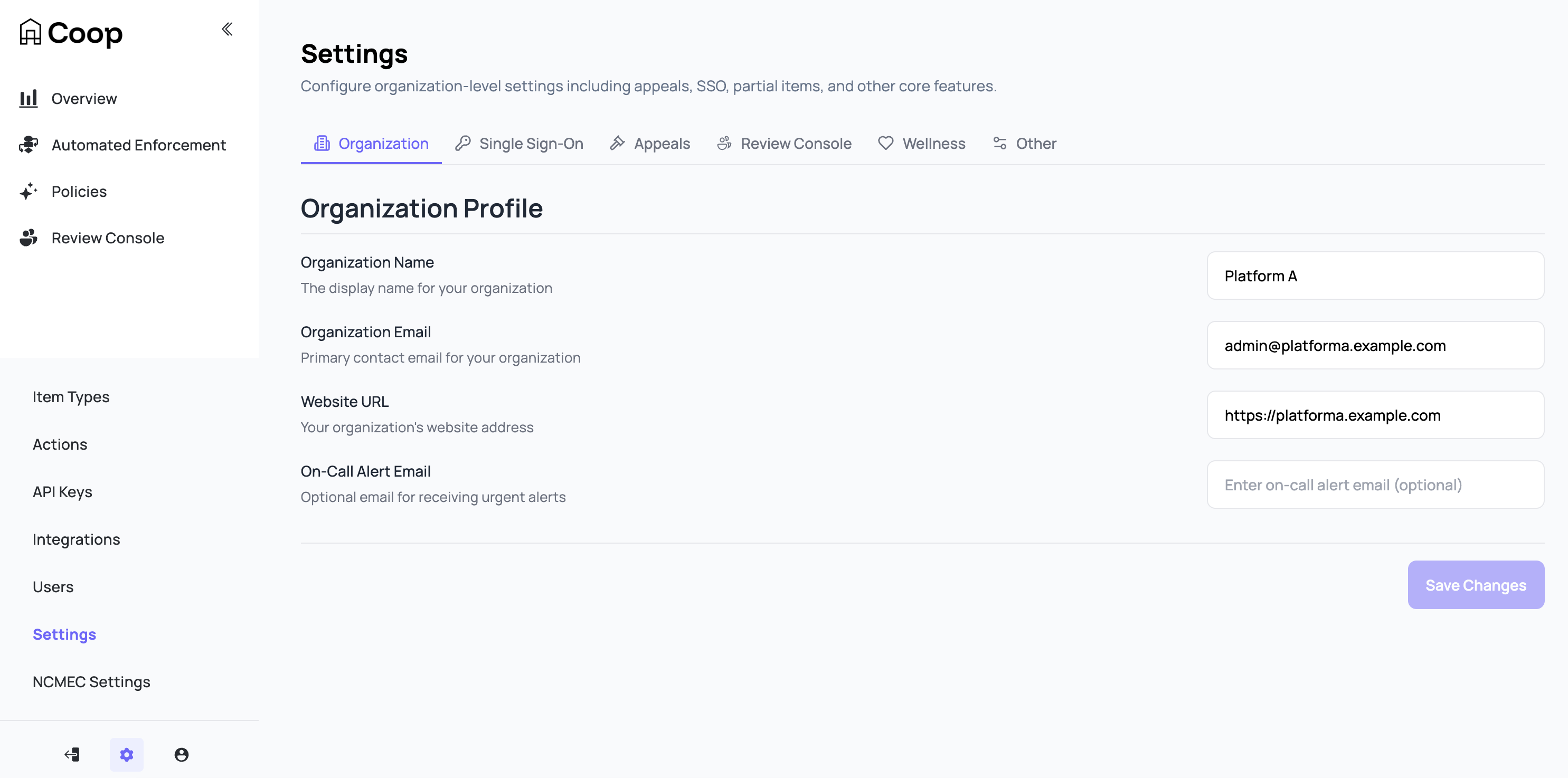
Organization
Identity and contact information for your Coop organization.
| Field | Purpose |
|---|---|
| Organization Name | Display name shown across the Coop UI. |
| Primary contact for org-related communication. | |
| Website URL | Your platform’s public URL. Used in outbound integrations that include a back-reference. |
| On-Call Alert Email | Optional. Where Coop sends alerts about background-job failures and other operational issues. |
The On-Call Alert Email requires an email service to be integrated with your Coop deployment. Coop supports email service integration but does not ship with one configured.
Single Sign-On
Enable SAML-based SSO so users authenticate through your identity provider instead of email and password. Coop supports any SAML 2.0 IdP. See Administration → SSO for the step-by-step Okta setup.
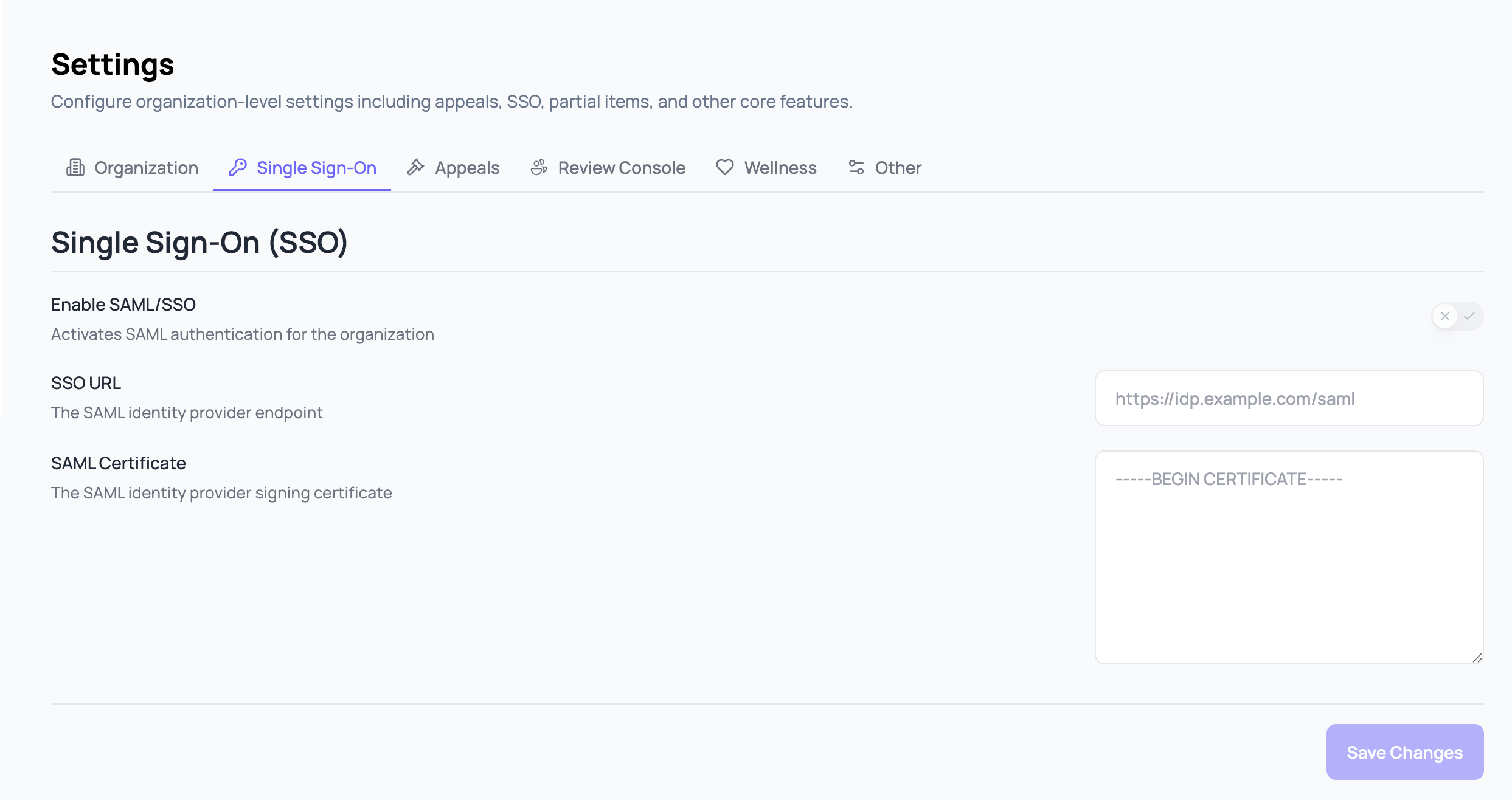
| Field | Purpose |
|---|---|
| Enable SAML/SSO | Activates SAML authentication for the organization. |
| SSO URL | The SAML identity provider endpoint. |
| SAML Certificate | The SAML identity provider signing certificate. |
Appeals
Configure how Coop handles user appeals of decisions made in Coop.
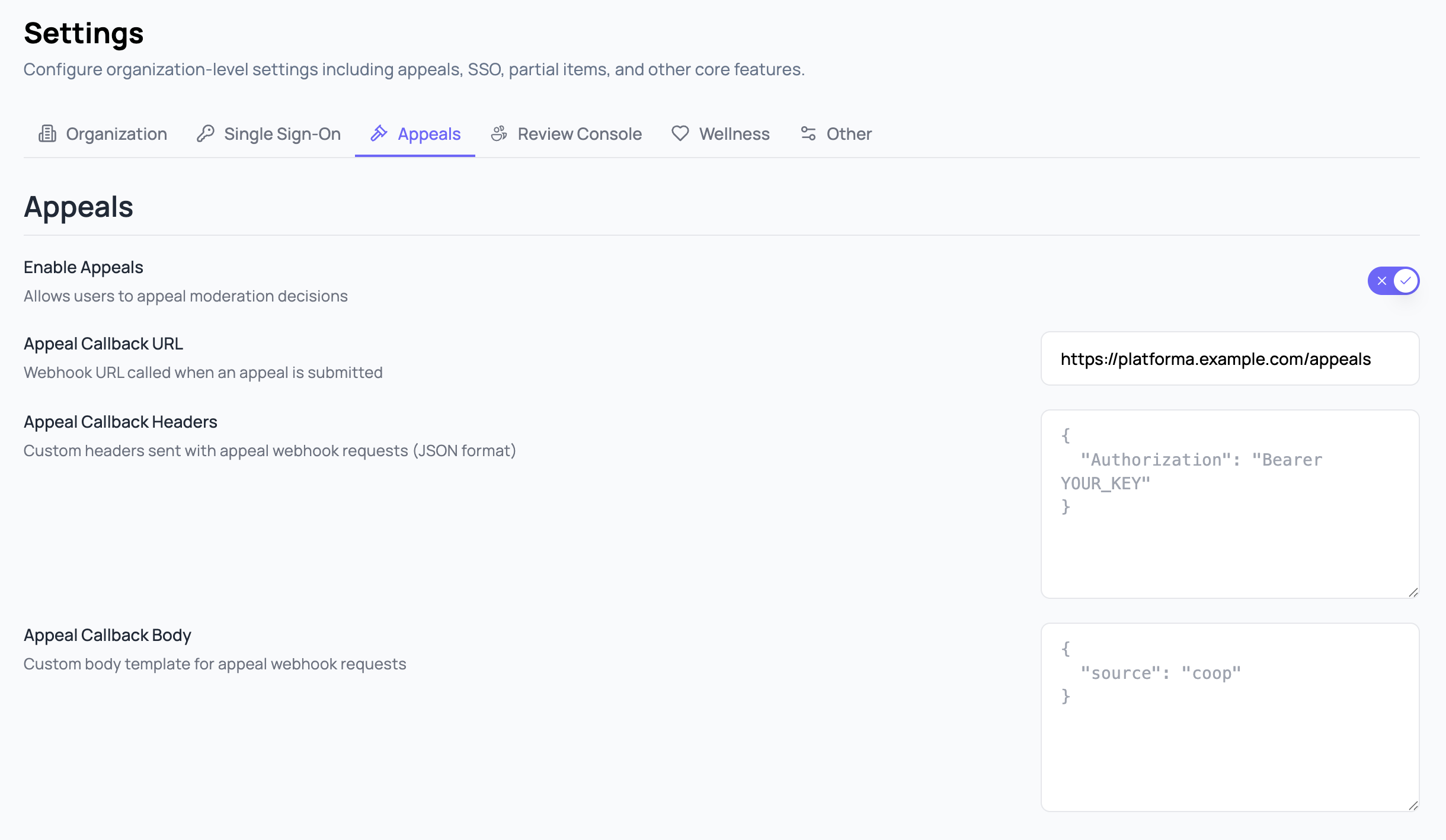
| Field | Purpose |
|---|---|
| Enable Appeals | Allows users to appeal decisions made in Coop. |
| Appeal Callback URL | Webhook URL called when an appeal is submitted. |
| Appeal Callback Headers | Custom JSON headers sent with the appeal webhook request, for authentication. |
| Appeal Callback Body | Custom JSON body template merged into the appeal webhook request. |
Review Console
Behavior of the Review Console for reviewers in your org.
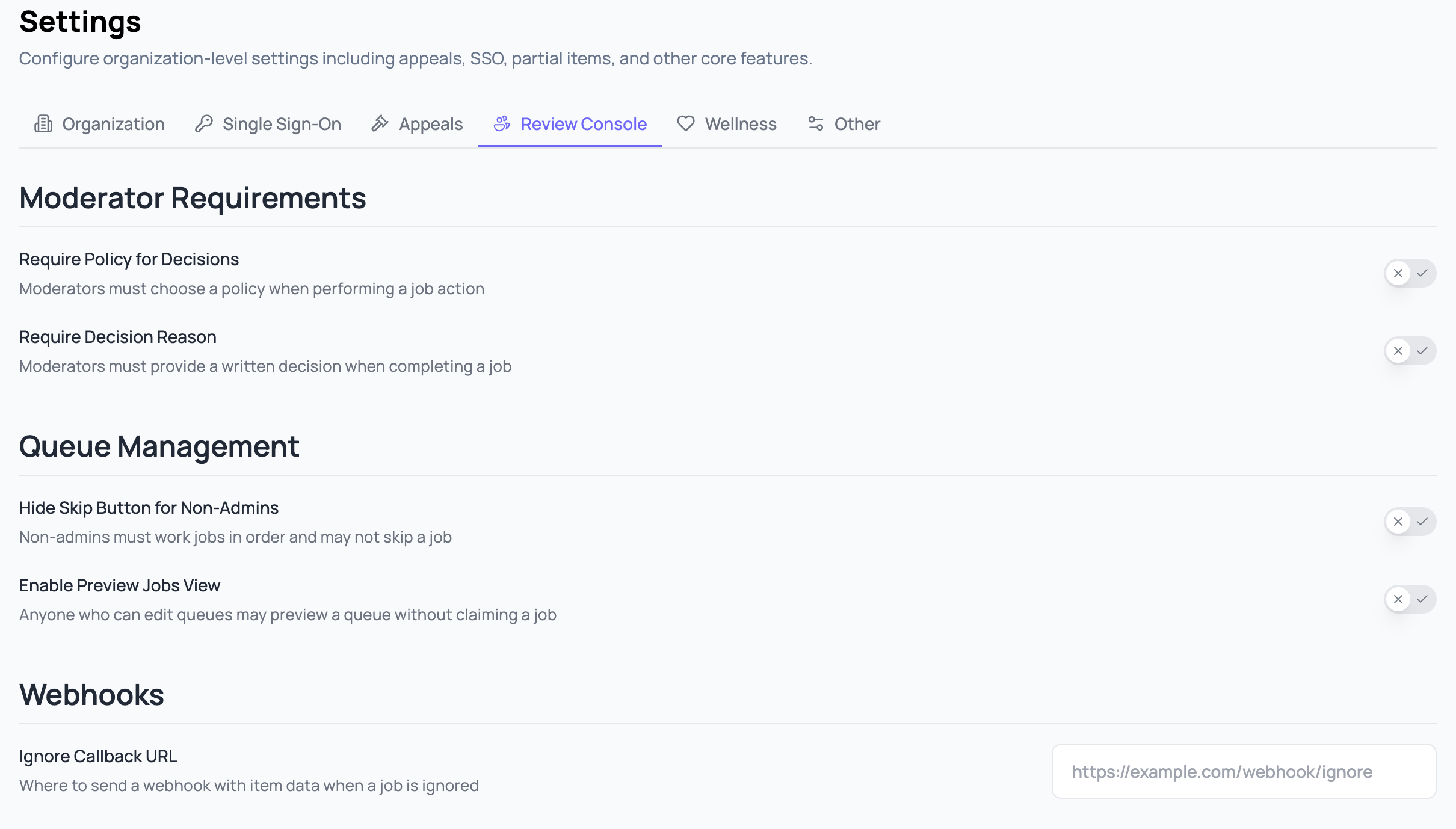
| Field | Purpose |
|---|---|
| Require Policy for Decisions | Reviewers must choose a policy when performing a job action. Server-side enforced; an API or scripted client cannot bypass it. |
| Require Decision Reason | Reviewers must provide a written decision when completing a job. Same server-side enforcement. |
| Hide Skip Button for Non-Admins | Non-admins must work jobs in order and may not skip a job. Admins still see the Skip button. |
| Enable Preview Jobs View | Anyone who can edit queues may preview a queue without claiming a job. Useful for queue tuning without affecting throughput metrics. |
| Ignore Callback URL | Where to send a webhook with item data when a reviewer ignores a job. |
Wellness
Reviewer wellness controls for content displayed in the Review Console. These help reduce exposure to harmful media during review.
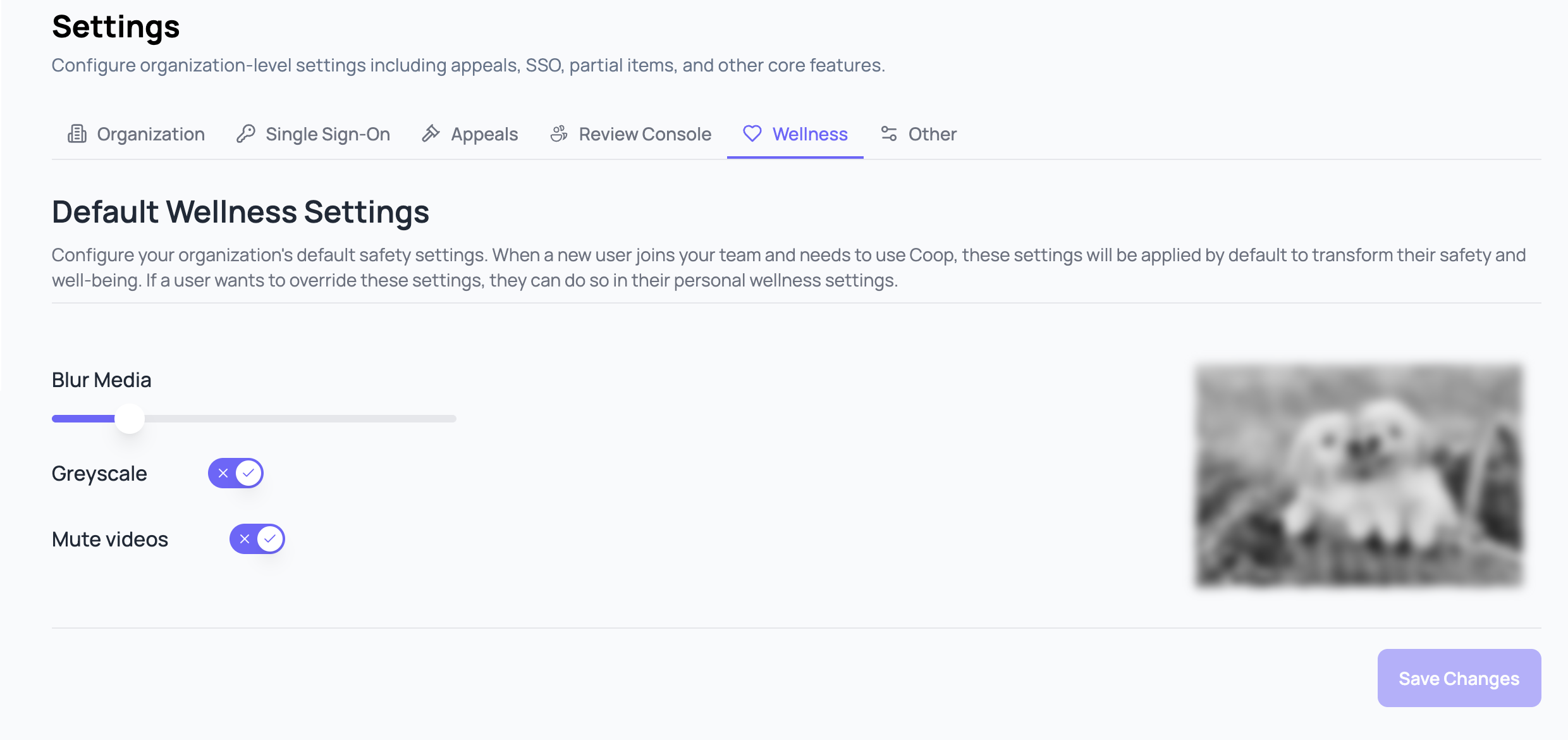
| Field | Purpose |
|---|---|
| Blur Media | Default blur strength applied to images and video thumbnails in the Review Console. Reviewers can unblur on a per-item basis. |
| Greyscale | Renders media in greyscale by default. |
| Mute Videos | Mutes video audio by default in the Review Console. |
Other
Settings that don’t fit cleanly into the other tabs.
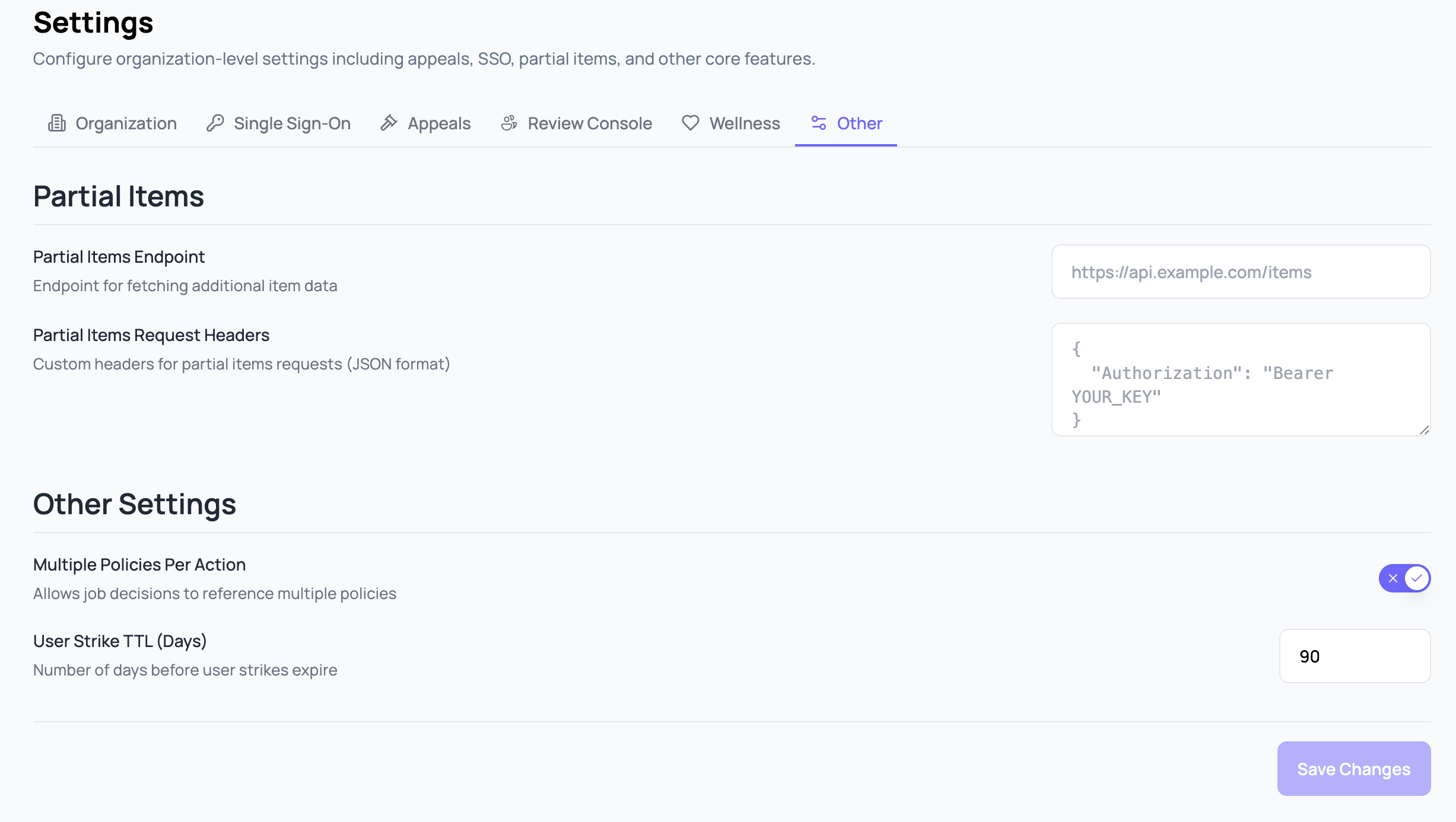
| Field | Purpose |
|---|---|
| Partial Items Endpoint | Endpoint Coop calls to fetch fresh item data when reviewing or investigating, instead of relying solely on the item submitted at ingest. See Partial Items for the request shape. |
| Partial Items Request Headers | Custom JSON headers sent with partial items requests, for authentication. |
| Multiple Policies Per Action | Allows job decisions to reference multiple policies. Off by default; one decision typically maps to one policy. |
| User Strike TTL (Days) | Number of days before a user strike expires. See User Strikes for how strikes accumulate and trigger actions. |